

In an age where digital information is the new currency, the ability to collect and analyze vast amounts of data is a critical competitive advantage. Every day, an immense volume of valuable information is published on websites, from pricing data and market trends to public opinions on social media. Manually collecting this data is an impossible task. This is where data scraping comes in—a powerful technique to automate the extraction of data from the web.
This guide will take you on a journey from the fundamental principles of data scraping to advanced, scalable extraction techniques. Whether you’re a developer, data analyst, or business strategist, you will learn how to transform the web into a structured, queryable database, unlocking insights that drive informed decisions.
🔎 Defining Data Scraping, Web Scraping, and Screen Scraping 🔎
While often used interchangeably, these terms have distinct meanings:
➡️ Data scraping is the broadest term, referring to the process of extracting data from any output source that can be read by a computer, including websites, APIs, or local files.
➡️ Web scraping is a specific subset of data scraping focused exclusively on extracting information from websites. It involves fetching web pages and parsing their underlying HTML structure.
➡️ Screen scraping is an older technique, typically used to capture data from a legacy system’s visual interface, essentially “reading the screen.”
👉 This guide will focus primarily on web scraping as the most common form of modern data scraping.
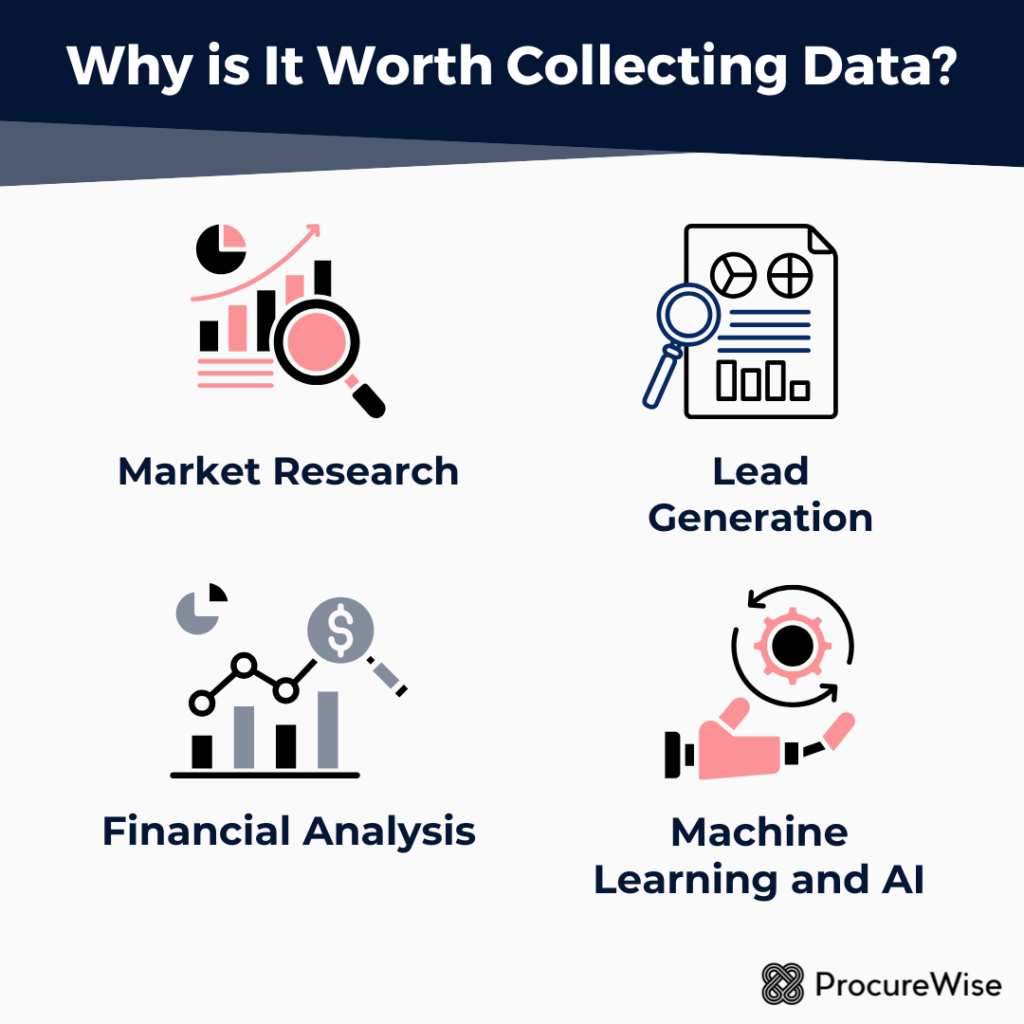
💡 Why is It Worth Collecting Data?💡
The applications of data scraping are vast and transformative. Businesses automate data collection to gain a competitive edge in numerous ways. In e-commerce, for example, scraping is essential for price intelligence and competitor monitoring; in fact, over 80% of top online retailers scrape competitor data daily.
Other key use cases include:
▶️ Market Research: Aggregating customer reviews, monitoring social media sentiment, and tracking industry news.
▶️ Lead Generation: Compiling contact information from public directories or professional networks.
▶️ Financial Analysis: Gathering stock prices, financial statements, and economic indicators.
▶️ Machine Learning and AI: Building robust datasets for training models. Data from the web is a crucial fuel for modern AI, with approximately 65% of organizations using public web data to build AI models.
The strategic value is undeniable, contributing to a rapidly expanding ecosystem. The alternative data market, which heavily features web scraping, was valued at $4.9 billion in 2023 and is projected to grow significantly, highlighting the increasing reliance on external data sources.
⚖️ A Word on Ethics and Legality ⚖️
Before building your first web scraper, it’s crucial to understand the ethical and legal landscape.
👉 Responsible scraping involves respecting a website’s robots.txt file, which outlines rules for bots.
👉 It also means avoiding overwhelming a server with too many requests in a short period (rate limiting).
👉 Always review a website’s Terms of Service, as many explicitly prohibit scraping.
Scraping publicly available data is generally permissible, but extracting copyrighted material or personal data without consent can have serious legal consequences.
🌐 The Foundation: How Websites Work (for Scraping) 🌐
To effectively extract data from a website, you must first understand how it’s built and delivered. A web scraper interacts with a website in a similar way to a browser, but programmatically.
Understanding HTML and the Document Object Model (DOM) 📄
Every website is built on a foundation of HyperText Markup Language (HTML). When you visit a page, your browser receives an HTML document, which is a text file containing the content and structure of the page defined by tags (e.g., <p> for a paragraph, <a> for a link).
The browser then parses this document to create a tree-like structure in memory called the Document Object Model (DOM). The DOM represents the page’s logical structure, and it’s this structure that a web scraper navigates to find and extract specific pieces of data.
HTTP Requests and Responses 📡
Web communication operates on the Hypertext Transfer Protocol (HTTP). When you type a URL into your browser, it sends an HTTP GET request to the server hosting the website. The server processes this request and sends back an HTTP response, which includes the page’s HTML content, status codes (like 200 OK or 404 Not Found), and other headers.
👉 A web scraper mimics this process, using libraries to send HTTP requests and receive the raw HTML for parsing.
The Role of JavaScript in Dynamic Content ⚙️
Many modern websites use JavaScript to create interactive and dynamic experiences. Instead of loading all content within the initial HTML, these sites load a basic page and then use JavaScript to fetch and display data in the background, often as you scroll or click.
This presents a challenge for basic scrapers that only read the initial HTML response. The data you see in your browser might not exist in the source code your scraper receives, requiring more advanced techniques to handle client-side rendering.
🐍 Basic Web Scraping with Python: Your First Steps 🐍
Python is the de facto language for web scraping due to its simplicity and a rich ecosystem of powerful libraries. Let’s explore the fundamental tools for building your first web scraper.
Setting Up Your Python Environment ✅
Before you start, you’ll need Python installed on your system. You’ll also need a package manager called pip, which usually comes with Python. You can set up a virtual environment to keep your project dependencies isolated.
👉 The primary libraries for basic scraping are requests (for making HTTP requests) and BeautifulSoup (for parsing HTML), which can be installed via pip.
Fetching HTML Content with the requests Library 📥
The first step in any web scraping task is to get the HTML content of the target page. The requests library simplifies this process immensely. With a single line of code, you can send an HTTP GET request to a URL and store the server’s response.
👉 It’s crucial to check the response’s status code to ensure the request was successful before proceeding.
Parsing HTML with BeautifulSoup 🧩
Once you have the raw HTML, you need a way to parse it and navigate its structure. This is where BeautifulSoup excels. This library takes the messy HTML text and transforms it into a navigable Python object that mirrors the DOM.
👉 You can then easily search for specific tags, attributes, and content, making data extraction intuitive.
Locating Elements with Precision: CSS Selectors and XPath 🎯
BeautifulSoup allows you to find elements by their tag name (e.g., <h2> tags), but for more precise targeting, you need stronger tools:
➡️ CSS Selectors – patterns to select elements based on ID, class, attributes, and relationships.
➡️ XPath – a query language for selecting nodes in XML/HTML documents.
Both let you pinpoint exact data, even in complex layouts.
Extracting Specific Data Points 📊
After locating an element, you can extract: ▶️ The text content within a tag. ▶️ The attribute value (like the href in an <a> link). ▶️ A list of elements to iterate through for structured extraction.
👉 This is the core of the data extraction process.
Scraping Across Multiple Pages 📑
Rarely is all the data you need on a single page. Product listings, search results, and articles are often spread across multiple pages using pagination.
👉 A robust scraper must detect the “Next” page link or follow predictable URL patterns to systematically collect data across all pages.
Introduction to Regular Expressions for Advanced Pattern Matching 🔍
Sometimes, the data you need isn’t neatly contained within a tag. It may be embedded inside text or a JavaScript variable.
👉 Regular Expressions (regex) provide powerful pattern matching for extracting unstructured or semi-structured data from text strings.
⚡ Scraping Dynamic Content: When JavaScript Gets Involved ⚡
Basic scraping techniques fall short when a website relies on JavaScript. The initial HTML response might just be a shell, while the actual content loads after scripts run.
The Challenge of JavaScript-Rendered Content 👀
When you use requests, you only get the server’s HTML. If the page uses JavaScript to call an API and load data after rendering, your scraper will see a blank or incomplete page — even though your browser displays everything correctly.
Introducing Selenium and Headless Browsers 🖥️
To solve this, you can automate a real web browser.
➡️ Selenium allows you to programmatically open a URL, wait for JavaScript to execute, and then capture the fully rendered page.
➡️ In headless mode, Selenium does all this in the background — no visible browser required.
👉 This makes it ideal for automation and large-scale scraping of JavaScript-heavy websites.
Simulating User Interaction 🖱️
Selenium goes beyond rendering pages. It can simulate user actions such as:
▶️ Clicking buttons,
▶️ Filling out forms,
▶️ Scrolling down to trigger infinite scroll loaders.
👉 This is essential for scraping data hidden behind interactions.
Using DevTools to Understand Dynamic Loading 🔧
Your browser’s Developer Tools (DevTools) are indispensable when scraping dynamic sites.
➡️ The Network tab shows all HTTP requests made after a page loads.
➡️ You can often discover the API call fetching the exact data you need.
👉 Calling the API directly is usually faster and more reliable than scraping rendered HTML.
Alternatives to Selenium for Dynamic Content ⚡
While Selenium is powerful, it can be resource-intensive.
➡️ Playwright and Puppeteer (Node.js, with Python ports) offer:
- Better performance,
- Modern APIs,
- Robust automation features.
👉 Both are excellent for handling complex, dynamic websites.
🛠️ Advanced Extraction Techniques and Advanced Tools 🛠️
As scraping needs grow, you’ll move from simple scripts to robust frameworks:
▶️ Leveraging APIs – the most efficient and reliable option when available.
▶️ Scrapy – a Python framework for large-scale, asynchronous scraping with pipelines and structured workflows.
▶️ lxml – a high-performance parsing library in C, supporting CSS Selectors and XPath.
▶️ Cross-language options – Cheerio (Node.js) and rvest (R) for developers outside Python.
Real-Time and Scheduled Scraping ⏰
Data scraping is often ongoing, not one-time.
➡️ Simple automation: cron jobs (Linux/macOS) or Task Scheduler (Windows). ➡️ Complex pipelines: Apache Airflow or cloud functions like AWS Lambda.
👉 These tools let you run scrapers on a recurring schedule to keep data fresh.
🛡️ Overcoming Anti-Scraping Measures 🛡️
Websites may detect and block scrapers using:
▶️ Unusual request volumes,
▶️ Suspicious request headers,
▶️ CAPTCHAs.
Countermeasures include:
➡️ Rotating proxy IPs,
➡️ Customizing headers to mimic browsers,
➡️ CAPTCHA-solving services (as a last resort).
⚠️ The golden rule: scrape responsibly — use reasonable request rates and a clear User-Agent.